Shield Insights

Advancing the frontier of digital accessibility through precision engineering and regulatory mastery.

Evolution of Compliance
Regulatory April 12, 2026

The 70% Blind Spot: Why Your "100% Accessible" Website Might Still Be Illegal

As a business owner in Ontario, you’ve likely seen the headlines: AODA deadlines are tightening, and the risk of non-compliance has never been higher.

In Ontario, AODA deadlines are tightening. If you’re relying on automated scanners or "quick-fix" overlays, you aren't as protected as you think.

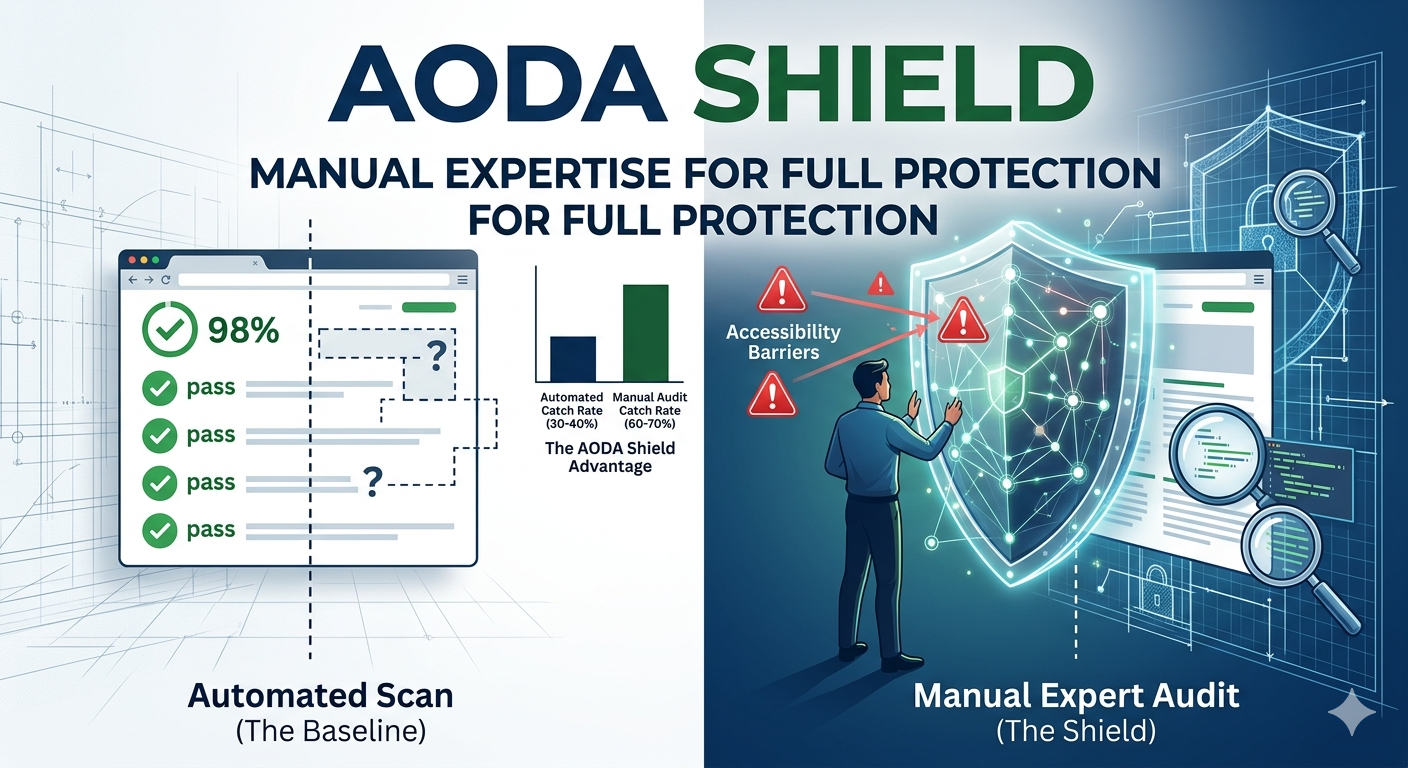
The Reality: Automated tools only catch about 30-40% of accessibility issues. That leaves around 70% blind spot of keyboard traps, broken forms, and nonsensical screen reader paths. Software can check for code, but it can’t "feel" usability. While a tool sees an alt tag, it doesn't know if that tag actually makes sense to a blind user.

The AODA Shield Difference:

Manual-First Remediation: We don’t believe in "set it and forget it" plugins. We dive into the technical debt to find what software misses.

Human-in-the-Loop: We manually audit every page and interaction. Expert Engineering: 10+ years of software expertise applied to your specific code.

Boutique Pricing: Get senior-level audits without the five-figure "agency premium."

Don't Risk the Fine—Open Your Doors. Accessibility isn’t just a legal checkbox; it’s about reaching the 29% of Ontarians who live with disabilities. Stop wondering if your site is actually compliant.

Is your site truly accessible, or just "scanned"? Message me today for a Free Accessibility Snapshot and let’s uncover what’s hiding in your blind spot.

Low Vision Design
UI Design March 20, 2026

Sound-Off: The Hidden Challenge of a Silence-Oriented Web

The web is often seen as visual, but for 5.6% of Ontarians, the auditory experience is the primary barrier.

The web is often seen as visual, but for 5.6% of Ontarians, the auditory experience is the primary barrier. When your site relies solely on sound, you’re not just missing a demographic—you’re creating a digital "blank screen."

The Gap: Beyond Simple Dialogue Accessibility isn’t just about hearing; it’s about providing equitable choices. Common failures include:
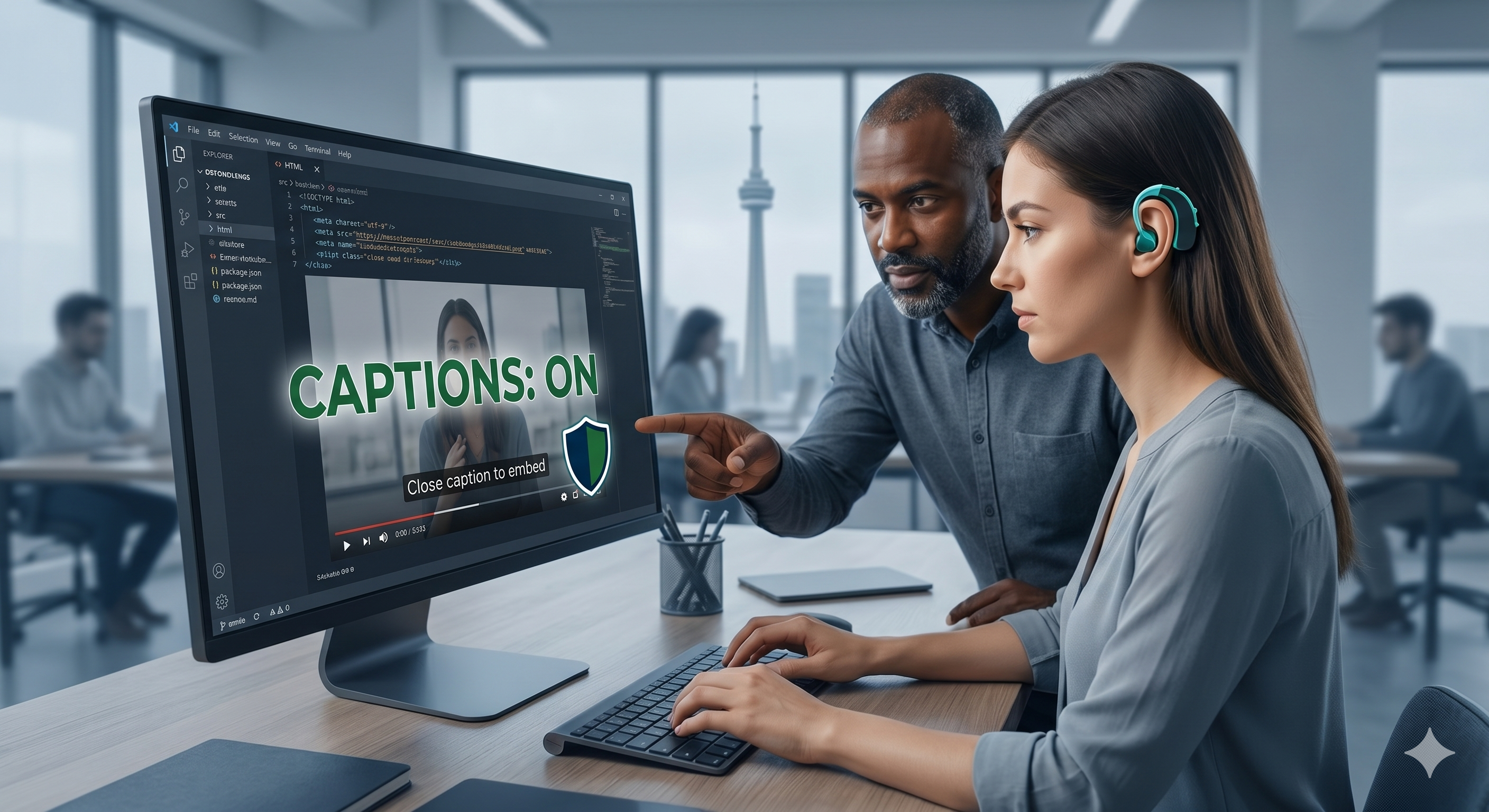
Silent Context: Videos without captions or podcasts without transcripts.
Invisible Cues: Error messages or notifications delivered only via audio alerts.
Missing Atmosphere: Failing to note sound effects ("doorbell rings") or musical cues.

Inclusive Design is Better UX
The same captions that serve the Deaf and hard-of-hearing community also help users in loud subways, quiet coffee shops, or offices. Accessible design is simply good business.

How AODA Shield Bridges the Gap
We go beyond the "auto-caption" button. Using our engineering expertise, we ensure your multimedia is truly inclusive, technically sound, and fully AODA-compliant.

Don't let your message go unheard. Schedule a meeting with me today to ensure your multimedia strategy is inclusive, legally protected, and ready for every user.

Competitive Advantage
Strategy April 15, 2026

The Spectrum of Sight: More Than Meets the Eye

When we talk about "visual disability," many business owners immediately think of total blindness.

When we talk about "visual disability," many business owners immediately think of total blindness. But in reality, visual impairment is a vast spectrum that affects over 1 million Ontarians. This includes people with low vision, color blindness, age-related macular degeneration, and even temporary impairments like glare on a screen.

For someone using a screen reader, your website isn’t a collection of colors and layouts—it’s a sequence of data. If your site’s code isn't structured correctly, that sequence becomes a confusing maze.

The Invisible Barriers:
Poor Contrast: Light grey text on a white background might look "modern," but it’s unreadable for a significant portion of your audience.
Missing Alt Text: Without descriptive text, an image of your products is just a "blank space" to a screen reader.
Color-Only Cues: If you use a red border to show an error without a text label, a color-blind user won't know something went wrong.

At AODA Shield, we audit your site through the lens of this spectrum. We don't just check for "compliance"; we ensure that your brand’s visual story is told clearly to every user, regardless of how they see the world.

ARIA Landmarks
Development April 30, 2026

Navigation Beyond the Mouse: Breaking the Digital Ceiling

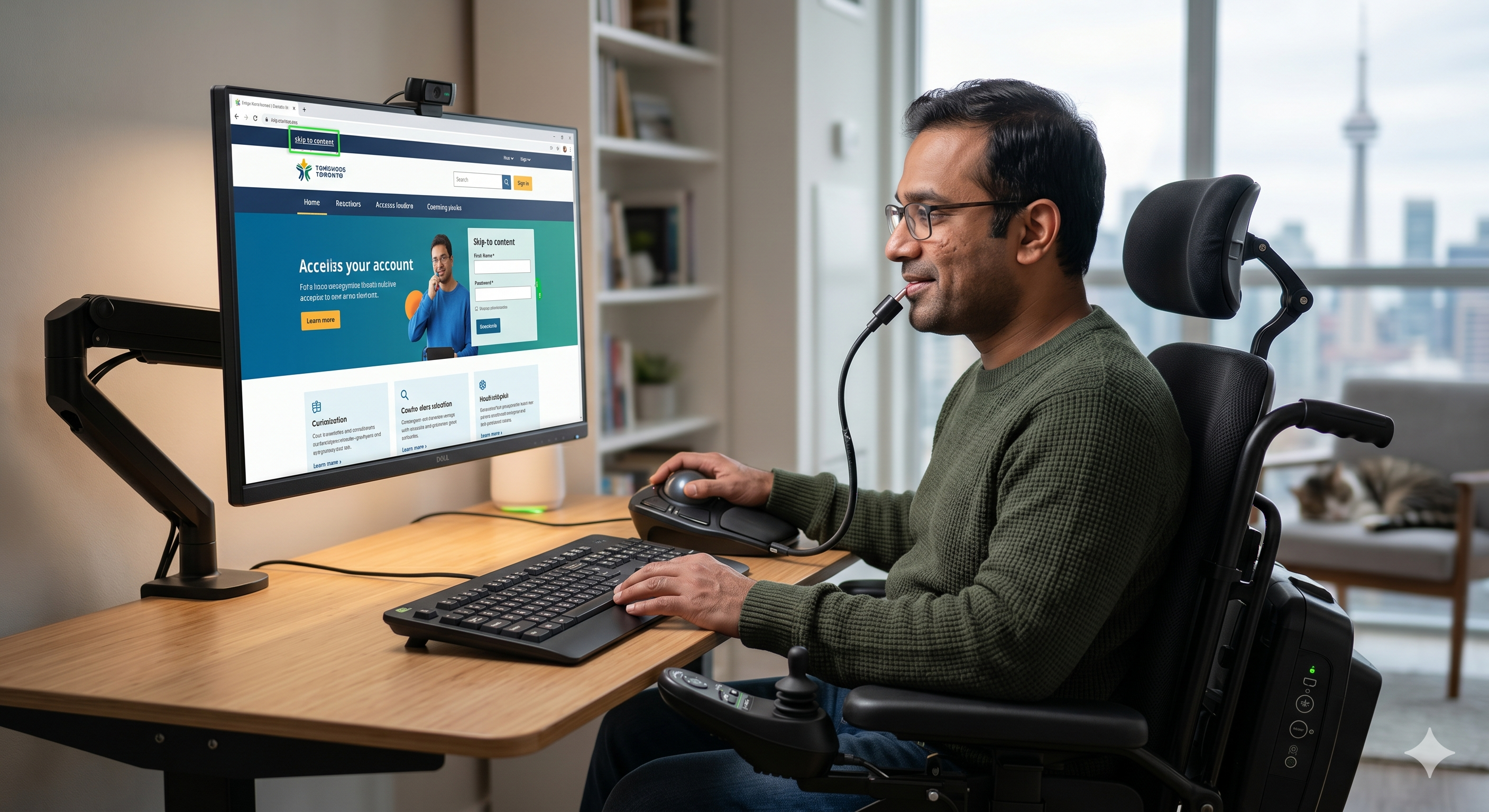
For many of us, navigating a website is a series of effortless clicks. But for the 13% of Ontarians living with a motor disability,

For many of us, navigating a website is a series of effortless clicks. But for the 13% of Ontarians living with a motor disability, the mouse is often an impossible tool. These users may rely on keyboards, switch devices, mouth sticks, or voice control to navigate your digital store or service.

If your website is built only for "clickers," you are effectively locking your doors to millions of people.

What is a Motor Disability Barrier?
Keyboard Traps: A user tabs into a menu but can’t tab out. They are literally "stuck" on your page.
Small Touch Targets: Buttons that are too small or too close together are impossible to hit for someone with limited dexterity or tremors.
Hover-Only Content: If your information only appears when a mouse hovers over it, a keyboard-only user will never see it.

The AODA Shield Approach:
We perform rigorous manual keyboard testing. We put the mouse away and navigate your entire site using only the Tab key and assistive technologies. If we can’t reach it, we fix it.
Accessibility isn't a feature—it's a fundamental requirement of modern engineering. Let us help you ensure that your site is a bridge, not a barrier.